We offer direct integration for the 3 most recent versions of Odoo (currently from V17+). We can connect with older versions, but any support or connection issues will incur development charges.
Step 1: Check Odoo Data
In your Odoo account, ensure that your inventory list and sales orders history are up to date.
Step 2: Load data into StockTrim
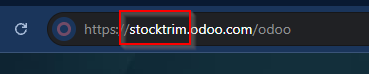
You will need your Odoo Company Name
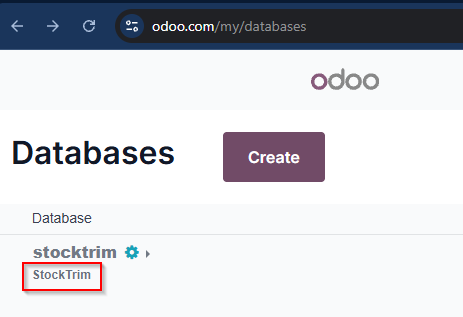
Your Odoo Database name
Then enter your Odoo username and password. Using the details in the example StockTrim will look like this
Then, click 'Load from Odoo' .
Comments
0 comments
Please sign in to leave a comment.