Bulk update
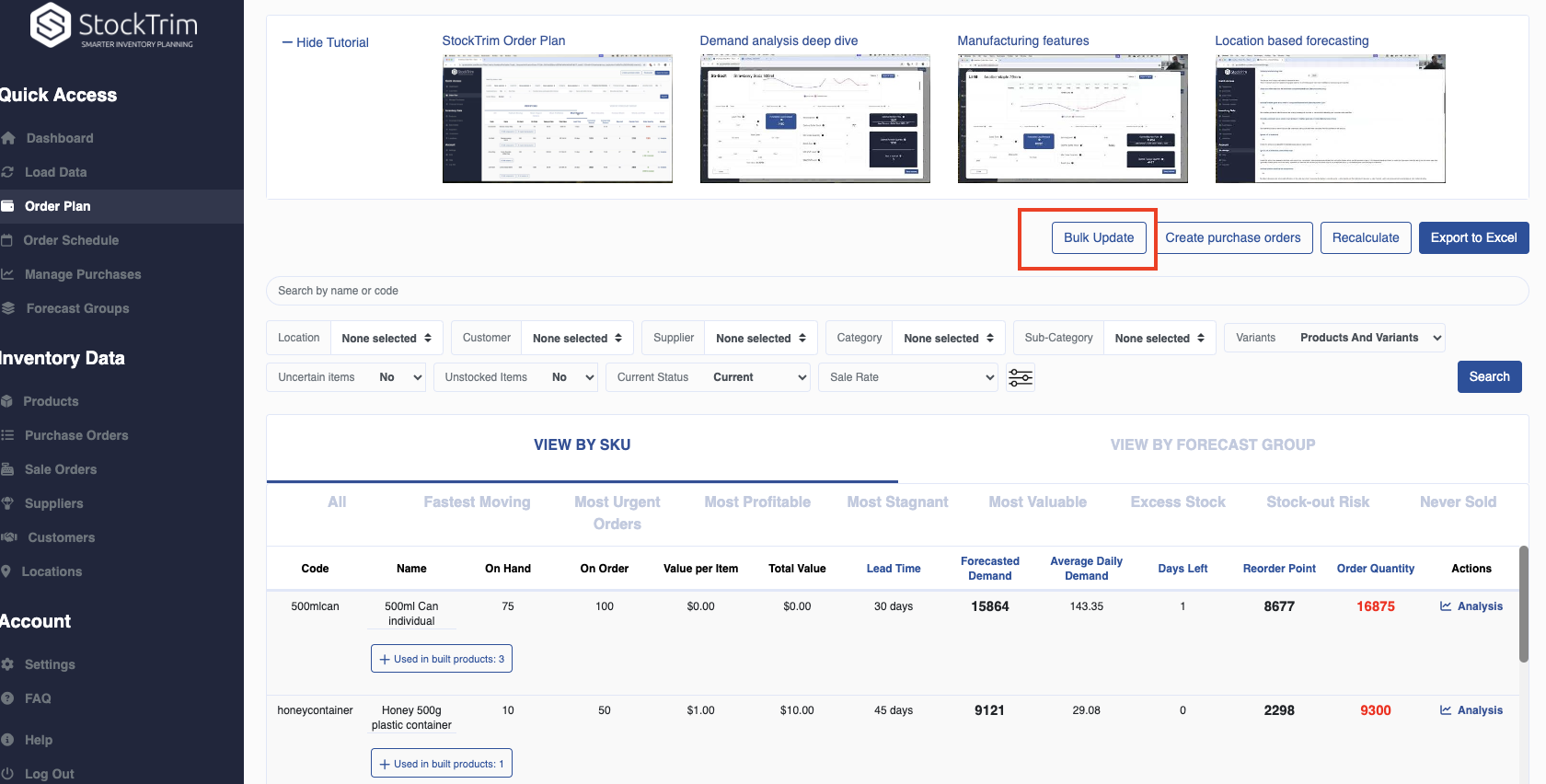
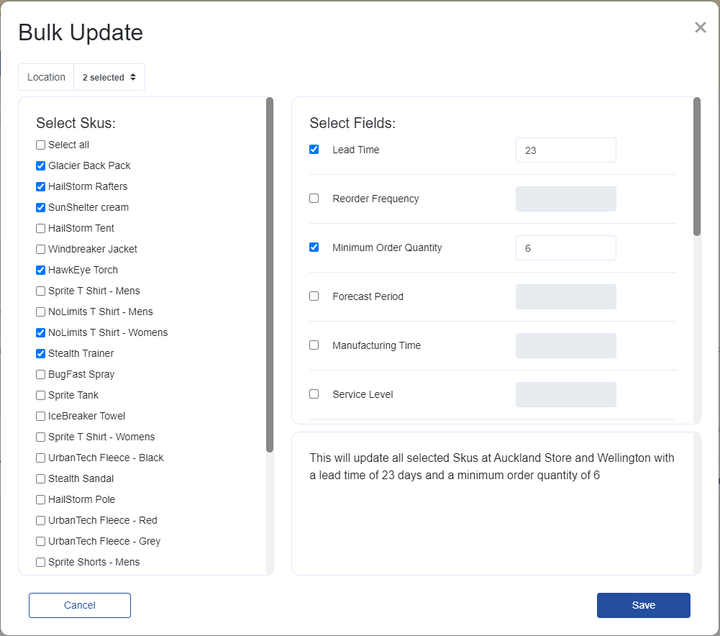
You can now easily bulk update your products. Click the bulk update button on the order plan – this will then be filtered based on your current order plan filters, then simply select the items you wish to update and then the fields with their new values. The intuitive interface will tell you which data points will be updated.
This can allow you to quickly test different scenarios (eg different supplier lead times) to see forecasts and order suggestions for each. Additionally, you can quickly update relevant fields (eg: minimum order quantities, service levels, batch sizes) or bulk discontinue items that are no longer required.
Comments
0 comments
Please sign in to leave a comment.